
Instructions
2026-01-05
1) CARSI Access
Navigate to the database homepage and select Log in (upper right). Choose Off-campus access, enter Southern Medical University when prompted, then authenticate with your campus network main account and password to proceed.
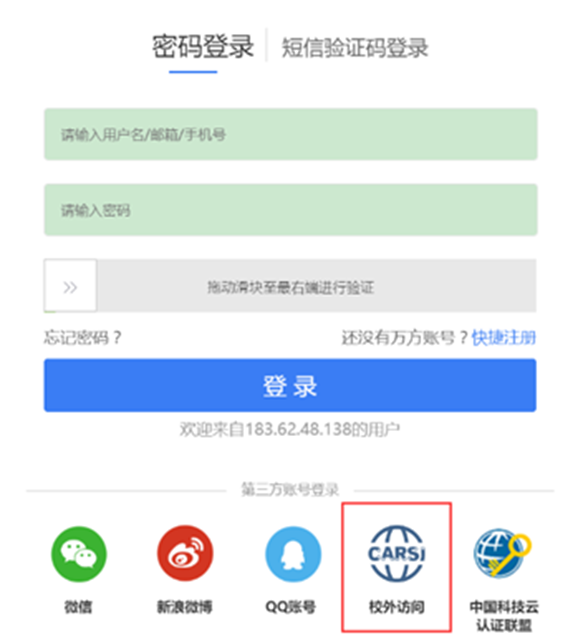
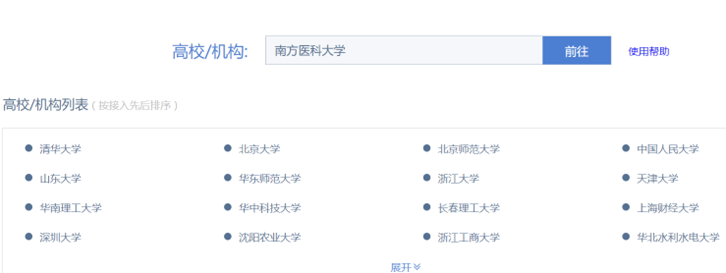
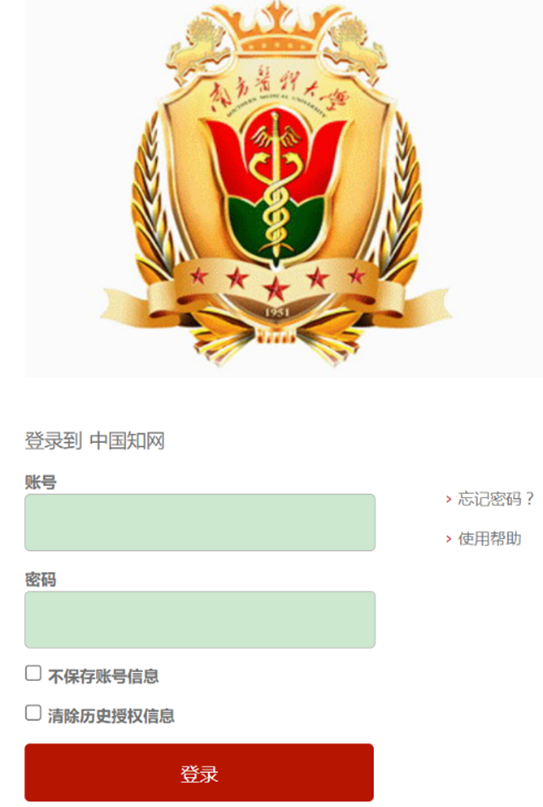
For guidance on this method, see the “Overview of Off-Campus Access Methods for Selected Databases (Southern Medical University Library)”: http://lib.smu.edu.cn/article/detail/1613
2) Library Off-Campus Access System
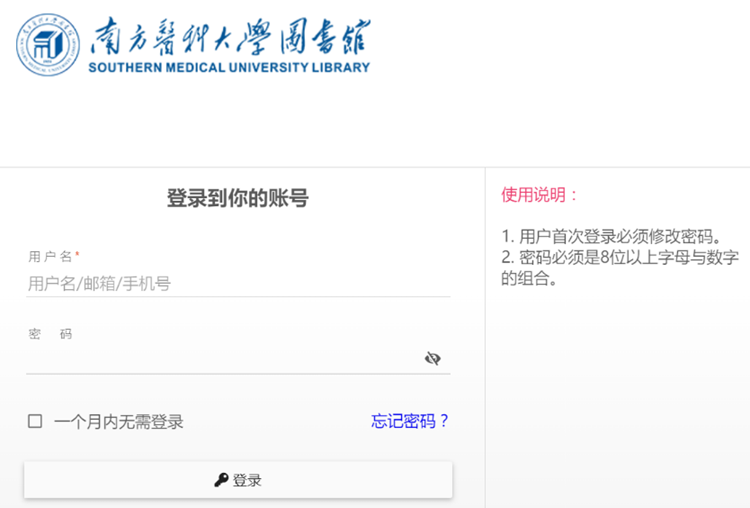
On the Library homepage, select Off-Campus Access, review the application procedure and user instructions, then sign in via the Off-Campus Access portal. Note: This method is available only to eligible users; see Activation Notes for details: http://lib.smu.edu.cn/Article/Detail/823